Douga
Windows drawing app that combines a pen canvas and a real animation dope sheet in one window.
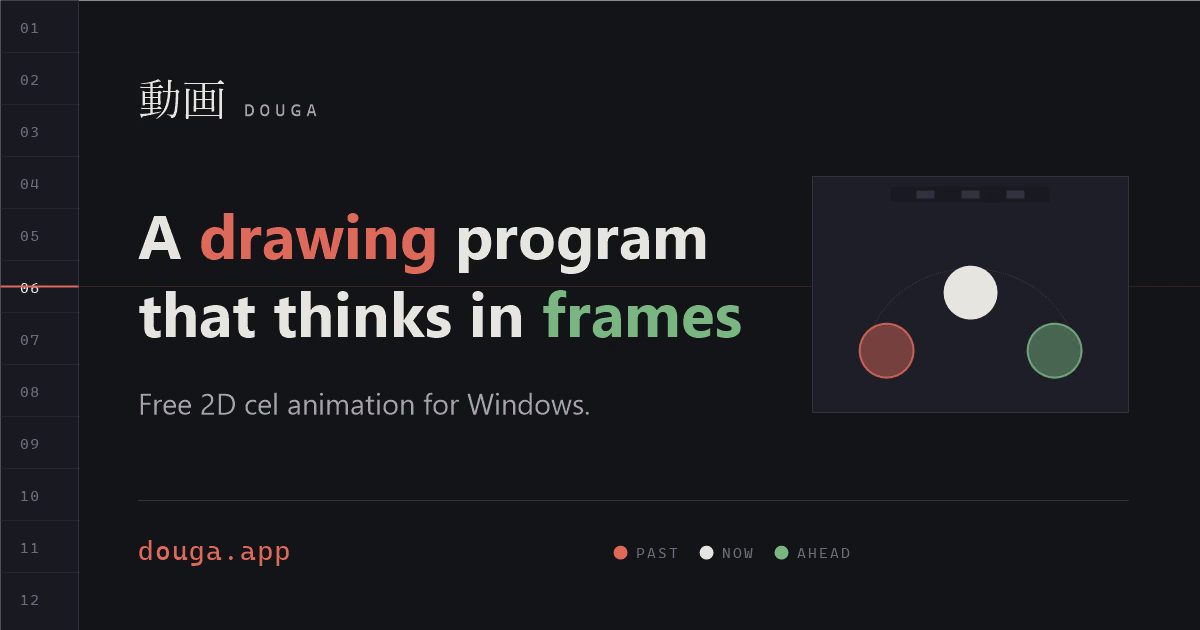
Douga puts a pen-first drawing canvas and a real animation dope sheet — keys, holds, onion skin, exposure on ones or twos — in one window, so animators don't bounce between a drawing app and a timing app. It's a 2.2MB download with no installer and no account, free with no subscription, and imports images, video to rotoscope, Krita files and audio, exporting PNG sequences, GIF, APNG, MP4 or an X-sheet PDF. A background snapshot is kept while you draw and offered back after a crash — the page frames a failed save as 'a choice, not a loss.'
What holds up
- +Free, no subscription, no account, and just 2.2MB with no installer to run
- +Combines a drawing canvas and a real dope sheet — keys, holds, onion skin — in one window
- +Custom brush engine exports to a shareable .dbrush file; palettes export the same way to .dpal
- +Autosaves a background snapshot while you draw and offers it back after a crash
Mind the limits
- −Windows only — no Mac or Linux build mentioned on the page
- −Page lists 'ten things that already work,' suggesting the feature set is still filling in
Picked here? Add the badge
Put it on your site. It links back to this page. Free for every listed product.

<a href="https://stillworks.dev/products/p/douga/"><img src="https://stillworks.dev/badge/douga.svg" alt="Picked by StillWorks" width="230" height="54"></a>