
Put a Run Button on the SQL in Your Blog Posts
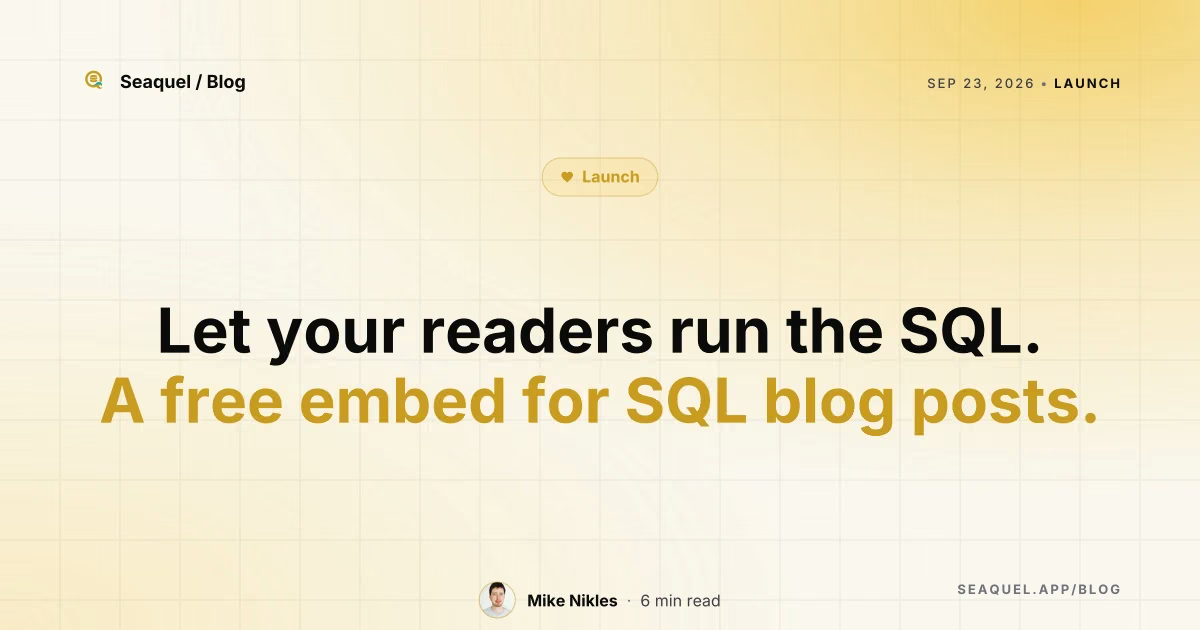
Embeds a live, editable Postgres query into blog posts so readers can rerun your SQL.
Add one script tag and a <seaquel-sql> element, and readers get a real Postgres instance running in their browser tab via WASM, with your example query pre-loaded and editable. Bring your own schema and rows through a text/sql script tag, and share one dataset across several examples so it only loads once. Every run happens in a transaction that rolls back afterward, so a reader can DROP TABLE just to see what happens and the next run still starts clean. It's free, needs no server or account, and falls back to plain text if the script fails to load.
What holds up
- +Real Postgres runs in the browser tab via a 3.5 MB WASM build — no server or account needed
- +Every query runs inside a rolled-back transaction, so readers can DROP TABLE safely
- +Widgets sharing a setup id load the dataset once across multiple examples
- +Free, and falls back to plain text if the script tag fails to load or gets stripped
Mind the limits
- −Every page pays a 3.5 MB WASM download just to run one SQL example
- −Setup means hand-writing script tags and SQL, not a visual editor
Picked here? Add the badge
Put it on your site. It links back to this page. Free for every listed product.

<a href="https://stillworks.dev/products/p/put-a-run-button-on-the-sql-in-your-blog-posts/"><img src="https://stillworks.dev/badge/put-a-run-button-on-the-sql-in-your-blog-posts.svg" alt="Picked by StillWorks" width="230" height="54"></a>