TwinDesk
Shares one mouse, keyboard, clipboard and screen across Mac, Windows, Linux and Android
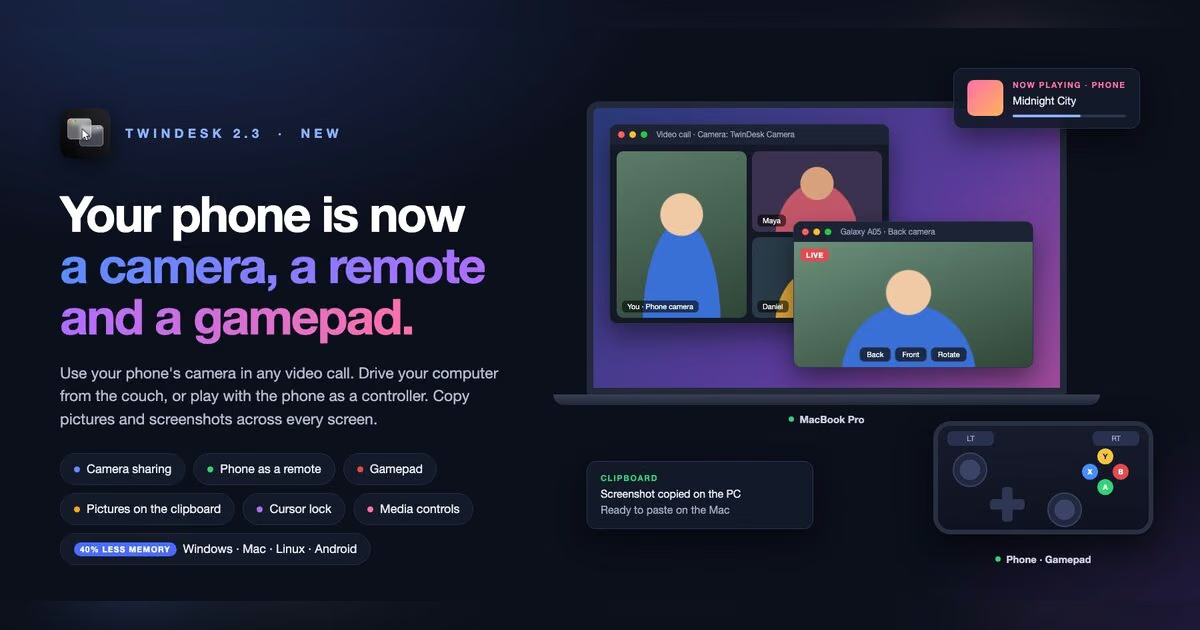
TwinDesk lets your pointer slide from one computer's screen onto another's like one big desktop, with your keyboard following and files dragged across the edge. It also brings a phone's calls, texts and camera onto your computer, turns a tablet into a second screen, and shares the clipboard including pictures up to 10MB. It's free and open source, needs no account or cloud, and as of 2.3 doesn't require devices to share Wi-Fi either.
What holds up
- +Free and open source — no subscription or account required to use any feature
- +No cloud and, as of 2.3, no shared Wi-Fi needed — works without a common network
- +Shared clipboard supports pictures up to 10MB, skips password manager entries automatically
- +Toggle features off individually — about half the memory in the tray when idle
Mind the limits
- −Clipboard image sharing capped at 10MB — larger files need the drag-and-drop transfer instead
- −Screen sharing between computers runs over H.264 video, not a true virtual display by default — adds encode/decode laten
Picked here? Add the badge
Put it on your site. It links back to this page. Free for every listed product.

<a href="https://stillworks.dev/products/p/twindesk/"><img src="https://stillworks.dev/badge/twindesk.svg" alt="Picked by StillWorks" width="230" height="54"></a>